At home in Casambi.
Bring pixel tape into your Casambi network. Set color, intensity and effect controls through the device’s Casambi profile.

CASAMBI ENABLED · ADDRESSABLE LED CONTROL
Turn LED tape into color, movement and atmosphere. Bring individual pixels into your Casambi lighting world—with creative control right in your browser.
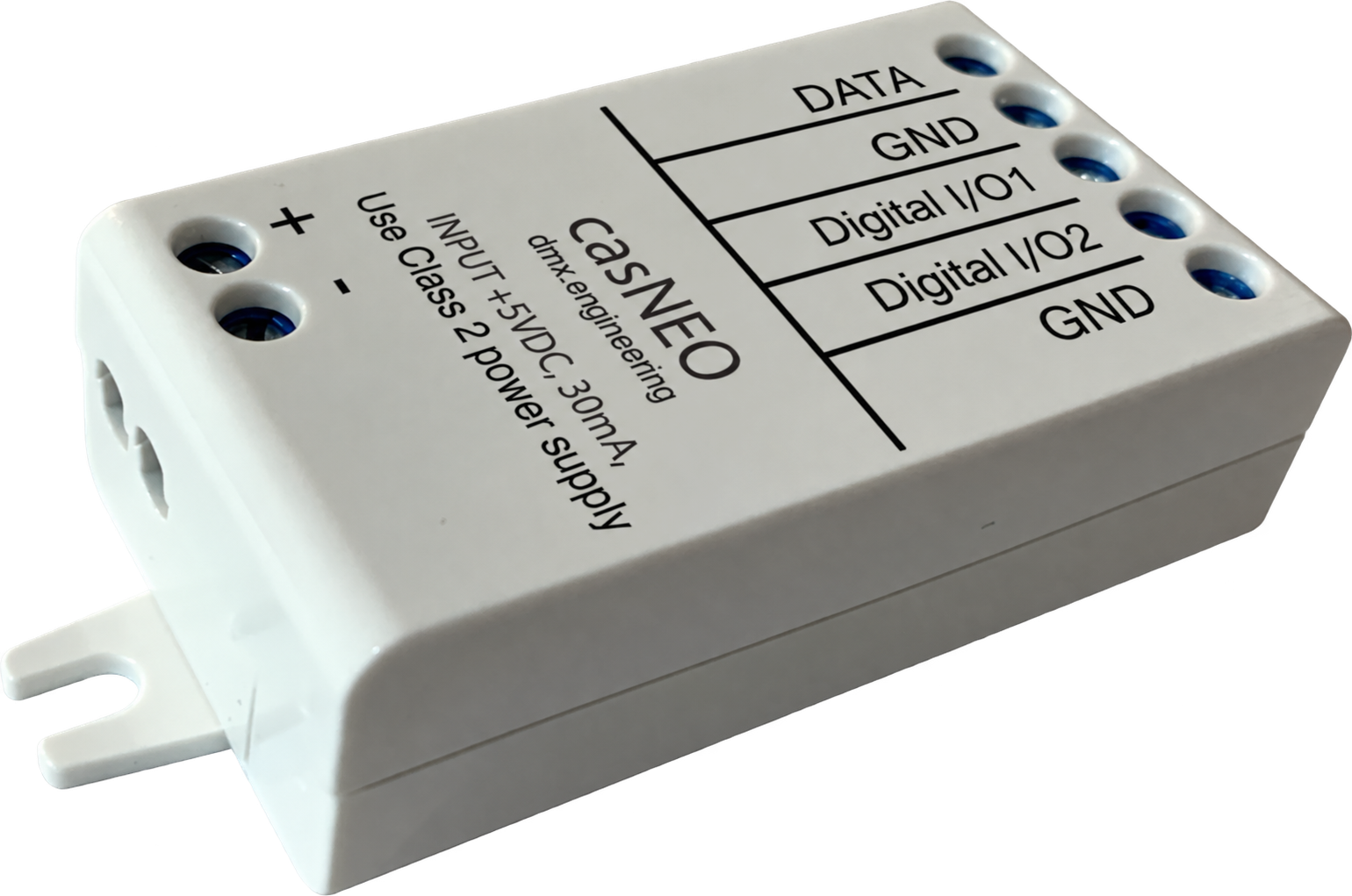
One compact controller. A whole new canvas.
TAKE IT FOR A SPIN
Choose a look. Move a slider. Watch every pixel respond. This interactive simulation runs here in your browser—no hardware needed.
Soft ribbons of teal and violet drift across the tape.
Choose a color to switch to Static Color.
Flag-inspired bands using up to five main colors. Adjust any color below to make your own. Black creates an unlit band.
Alternate your color with a second color. Adjust the band length and watch the pattern move.
Illustrative effects, not a connection to a live casNEO. Real tape appearance depends on the LEDs, layout and installation.
FAMILIAR CONTROL. NEW POSSIBILITIES.
Use Casambi for day-to-day lighting control. Open the casNEO web interface when you want to go deeper.
Bring pixel tape into your Casambi network. Set color, intensity and effect controls through the device’s Casambi profile.
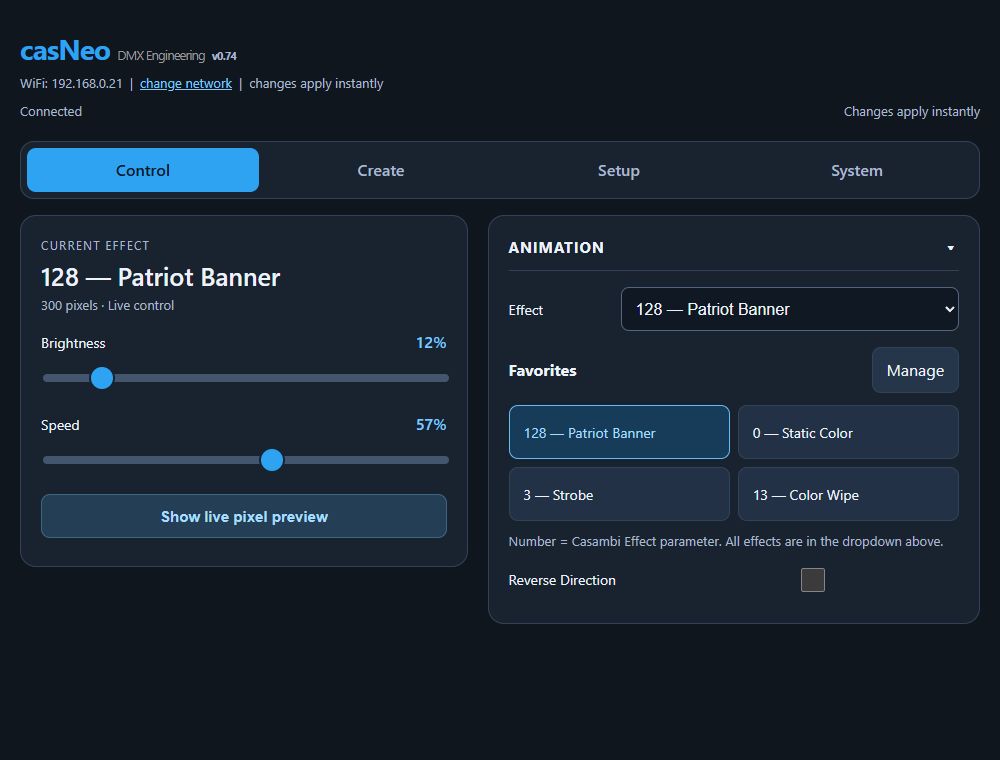
Explore built-in animations, shape custom patterns in RecipeForge, and keep your go-to effects in quick favorites.
The controller’s live Pixel Map shows individual LED colors. Fine-tune speed, intensity and direction while your lighting runs.
BUILT INTO THE CONTROLLER
No separate programming computer required. Connect locally from a phone, tablet or laptop—or open the device through the DMX Engineering app.
DMX ENGINEERING MOBILE APP + AWS LIBRARY
The mobile app connects locally to the casNEO Webserver for control and DFU. When internet is available, it also connects to the DMX Engineering AWS service to retrieve firmware and save or restore reusable casNEO data.
Explore the DMX Engineering app ↗Download approved firmware to the phone, carry it to the jobsite and update casNEO through its direct local connection.
Store an individual animation data set and bring it back when that effect is needed on this or another casNEO.
Save the full casNEO settings data set, retrieve it later and use it to simplify configuration of another unit.
900 PIXELS PER CONTROLLER · EXPANDABLE
Connect each unit’s OUT1 to the next unit’s IN2, and connect GND to GND with it. Return the last unit’s OUT1 and GND to the Start unit to complete the ring.
Important: this is a trigger handoff between independent controllers—not one DATA output driving more than 900 pixels. Every casNEO drives its own tape section and uses a suitable local tape supply. The ring is designed to make successive sections behave like one travelling animation.
DESIGNED FOR THE INSTALL
casNEO generates the data. A suitable external power supply powers the tape. Keep their grounds common.
External tape supply → LED tape power
Class 2 controller supply → casNEO
Start at the upper-right terminal and work down.
Connection overview only. Follow the installation manual for supply ratings, protection and wiring. DATA does not power the tape.
Digital I/O use depends on firmware and operating mode. General-purpose input/output modes are not included in this demonstration.
FROM EXPLORING TO INSTALLING
Keep the wiring information close, then follow the detailed guide through connection, configuration and operation.
v1.01 · 2 pages
Product overview, technical data and installation.Rev C draft · 22 pages · review copy
Connection, web controls, app workflow and troubleshooting.No. Local control works through the controller’s Wi-Fi access point or a shared Wi-Fi network. Internet access is needed for cloud services and online firmware downloads.
No. casNEO provides the pixel data signal. Power the tape from a suitable external supply, follow the installation guide and keep a common ground.
The playground is an interactive illustration of pixel effects, not a firmware emulator. The controller’s own Pixel Map displays actual LED output data. Tape type, optical diffusion and mounting change the physical appearance.
Let’s find the right fit for your lighting.